How to Install & Use POE Cheats on Windows PC
Checkout, delivery, Defender, Status, then Path of Exile. Keep overlays conservative on first launch.
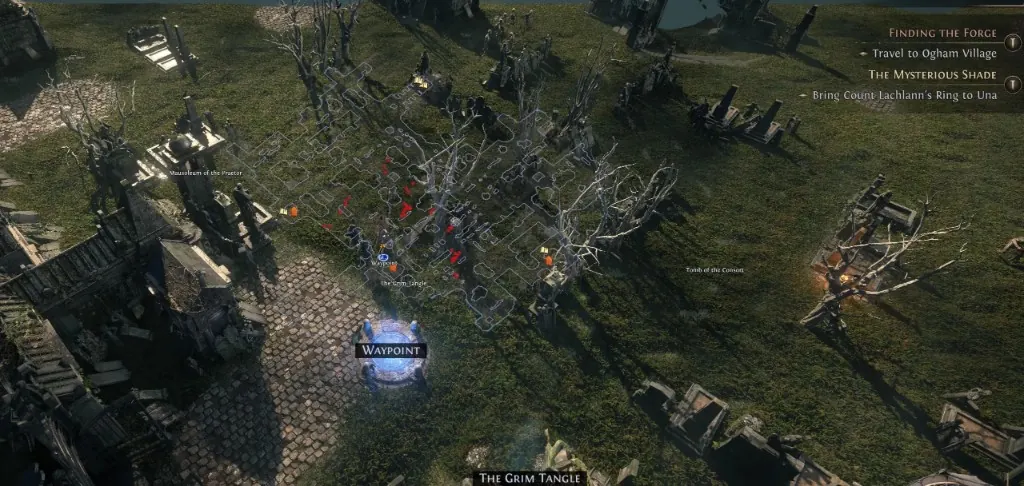
After checkout
Buy Path of Exile Cheats, wait for digital delivery, then follow Setup. Windows Defender often flags loaders — that is common for third-party tools, not proof the software is “safe.” Add an exclusion only if you understand the risk.
First load
Confirm Status is green after the latest GGG patch. Launch Path of Exile on Windows PC, then enable monster ESP first. Leave combat assist off until you have mapped a few hours.
If activation fails, email [email protected] with your order ID. Do not post keys in this thread.
Next step
Open the ESP settings thread next, then map with a conservative filter until Status stays green.
Ready for Path of Exile Cheats?
Check live patch-ready status on Status, then buy for Path of Exile on poecheat.org. Need help? Read support or player reviews.
Customer discussion
- @patchdaypoe · 2026-08-06 · Customer
Check Status before the loader. Borderless window kept things stable when fullscreen exclusive acted up.